
Clock
A GitHub contribution graph widget for your desktop
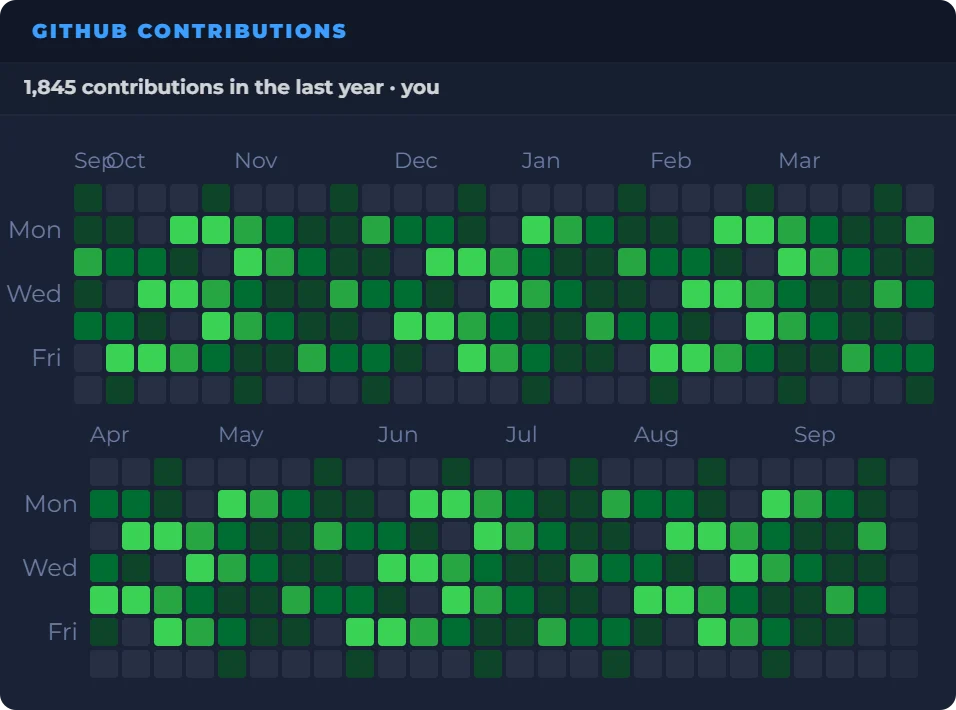
Connect GitHub once and your contribution graph stays on your DashSuey board, on every computer you sign in on. Show the last 3, 6, 9 or 12 months, with the total above it.
- Needs
- Your GitHub account, connected once
- Reads from
- GitHub's own contribution calendar
- Updates
- When your board opens, or the username changes
- Add the widgetGitHub Contributions is in the Developer group.
- Connect GitHubIt asks only to read your profile, and fills in your username.
- Choose the monthsThe last 3, 6, 9 or 12.
On your board, next to the rest
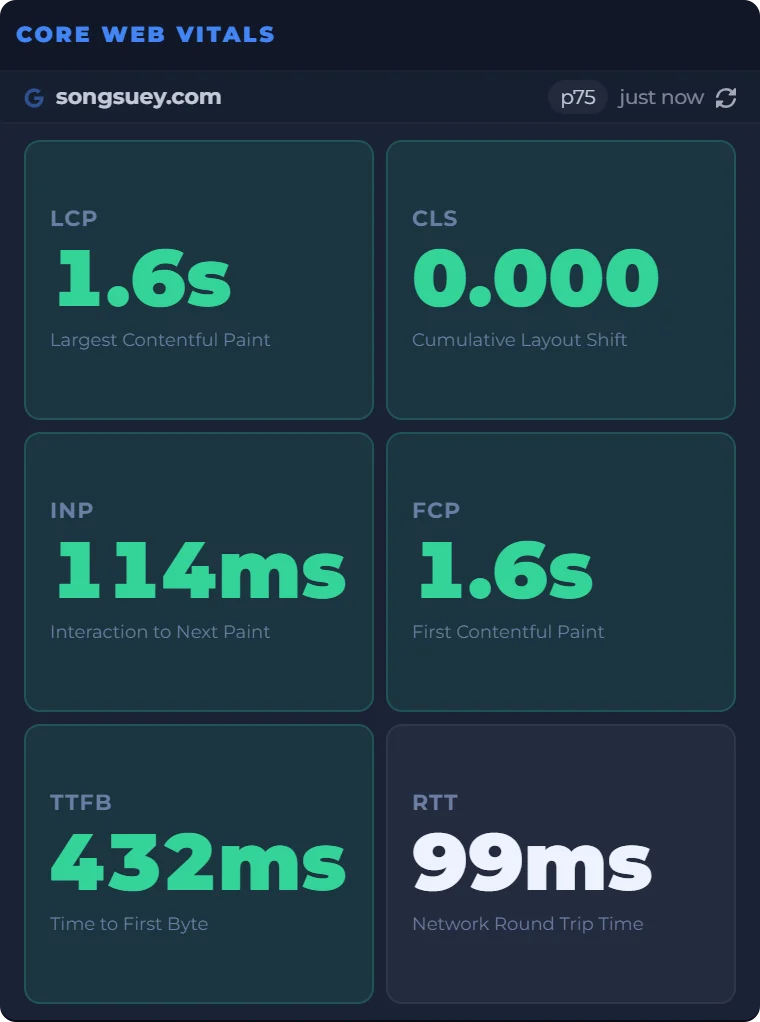
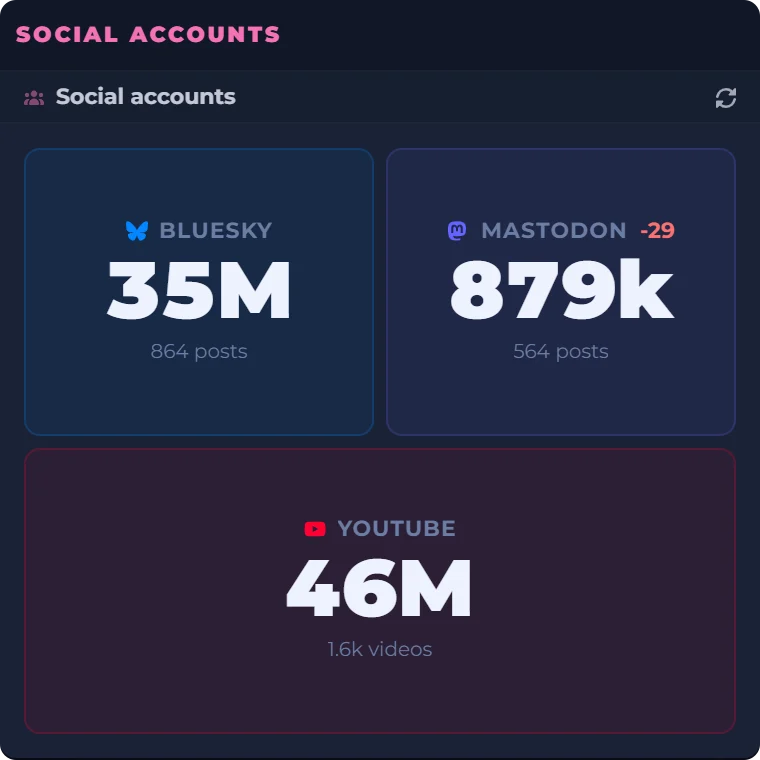
A site owner's morning, in one place: the scores, the real-user numbers and the follower counts beside a clock and a countdown to Friday evening. Every widget sits on the same board, saved to your account and the same on every computer you sign in on. GitHub Contributions sits beside them the same way.

Date
Count Down
Real captures of Lighthouse, Core Web Vitals and Social accounts, taken September 29, 2026, beside a live clock, date and countdown worked out in your browser.
What the widget shows
- The graph
- One square per day and a column per week, in GitHub's own greens.
- The window
- The last 3, 6, 9 or 12 months.
- The total
- Your contributions for the window, above the graph. Hover a square for its date and count.
- Any account
- The username can be any GitHub account, not only yours.
- Fits the tile
- A wide tile shows the year in one row; a taller one splits it into rows so the squares stay big.
- Where it lives
- On your board, saved to your account with its GitHub connection, on every computer you sign in on.
Where the graph comes from
The widget reads GitHub's contribution calendar through GitHub's API, which asks for a sign-in, so you connect once. It asks for GitHub's read:user permission only, and never reads your repositories.
GitHub's own mobile app has a contribution widget for your phone's home screen. DashSuey's is for the computer you work at, in any browser, next to the sites you ship.
What it does not do
- It counts no streaks. Every day is a square, so a run of filled days is easy to spot.
- It has no themes of its own. The squares use GitHub's colors.
- It does not share or export the graph.
Questions people ask
How does the GitHub contribution graph work?
Each square is one day, and the darker the green, the more you contributed that day. The widget draws the calendar GitHub keeps for your account in GitHub's own colors. Hover a square to see its date and count.
How do I check my contributions on GitHub?
On GitHub, open your profile and scroll to your contributions for the last year. On DashSuey, the widget keeps that graph on your board with the total above it, so you see it without opening GitHub.
How do I get my GitHub contribution graph on my desktop?
Add the GitHub Contributions widget to your DashSuey board and press Connect GitHub. Once you sign in, it fills in your username and draws your graph. DashSuey runs in your browser, so there is nothing to install.
Is there a GitHub contribution widget for Mac and Windows?
DashSuey works in the browser, so the same board opens on a Mac or a Windows PC. Your board, with the widget and its GitHub connection, is saved to your account.
Is there a GitHub contribution widget for Android or iPhone?
Yes, in GitHub's own mobile app, which added one for Android in September 2024 and has one on iPhone. DashSuey has no mobile app. It is for the computer you work at.
What is a GitHub streak?
A run of days in a row with at least one contribution. The widget does not count streaks, but it shows every day as a square, so a run is easy to spot.
When do GitHub contributions update?
GitHub dates each contribution in UTC. The widget asks GitHub for your graph when your board loads, and your browser may reuse that answer for up to an hour, so a commit you just pushed may take a little while to appear.
Why are my contributions not showing on GitHub?
GitHub decides what counts. A commit only counts if it was made with an email address connected to your GitHub account. The widget shows GitHub's own count, so anything missing from your profile is missing here too.
Does GitHub show private contributions?
Not by default. Your graph shows public work unless you turn on private contributions in GitHub's settings, and even then it doesn't name the private repositories. The widget connects with read:user only and never reads your repositories.