
Clock
A Search Console dashboard for your own site
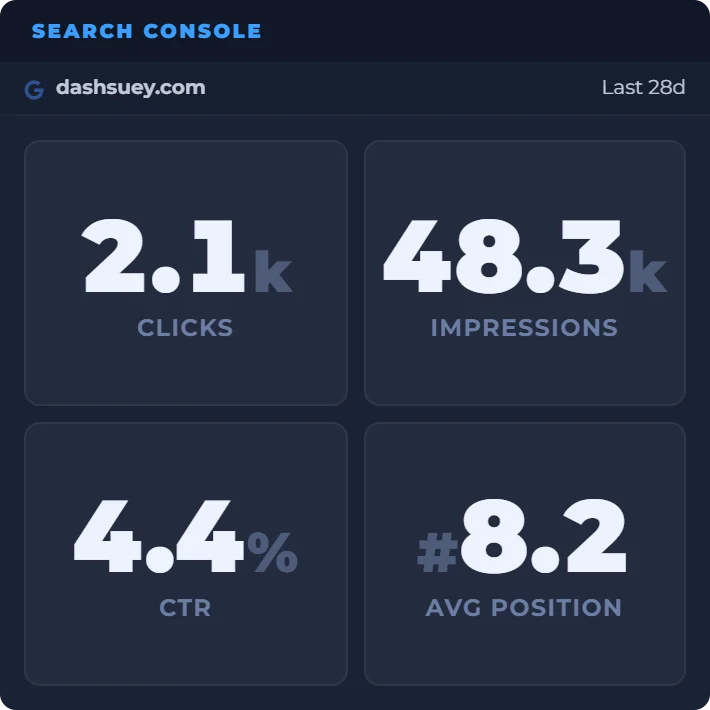
The Search Console widget puts your site's clicks, impressions, click-through rate and average position for the last 7, 28 or 90 days on the DashSuey board you already keep open.
- Needs
- Your Google account, connected read-only
- Reads from
- Google Search Console, the property you pick
- Updates
- When your board opens, or you change the site or range
- Add the widgetSearch Console is in the Developer group.
- Connect GoogleRead-only access to your Search Console data.
- Pick your siteEvery property in the account is listed. One per widget.
On your board, next to the rest
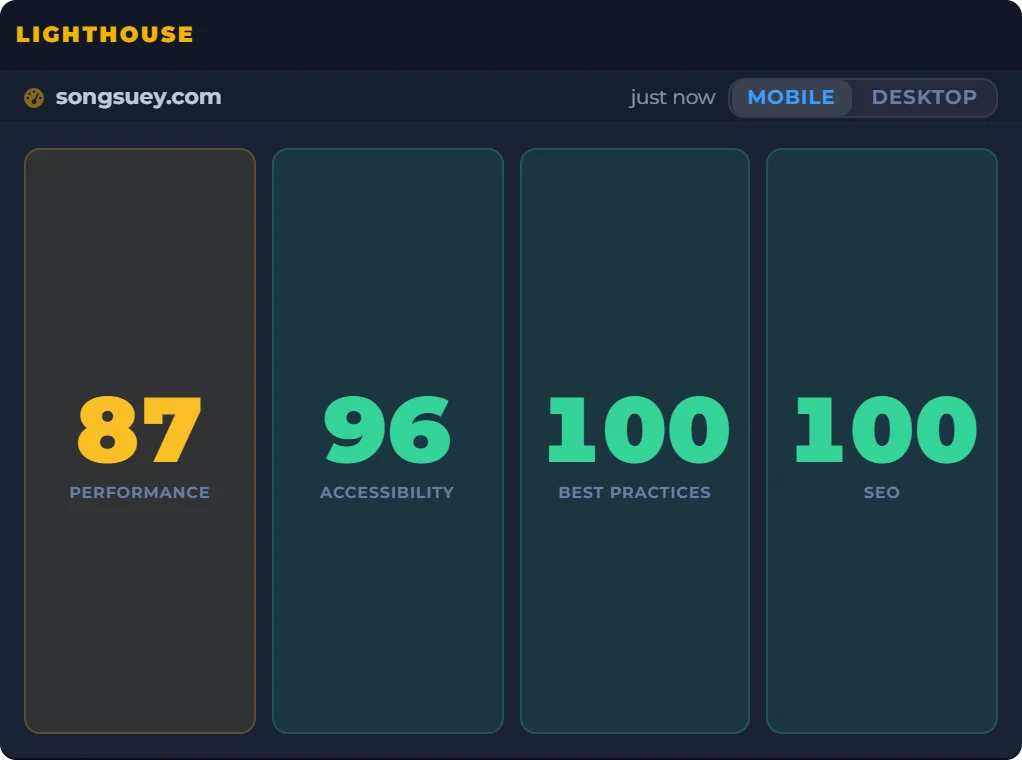
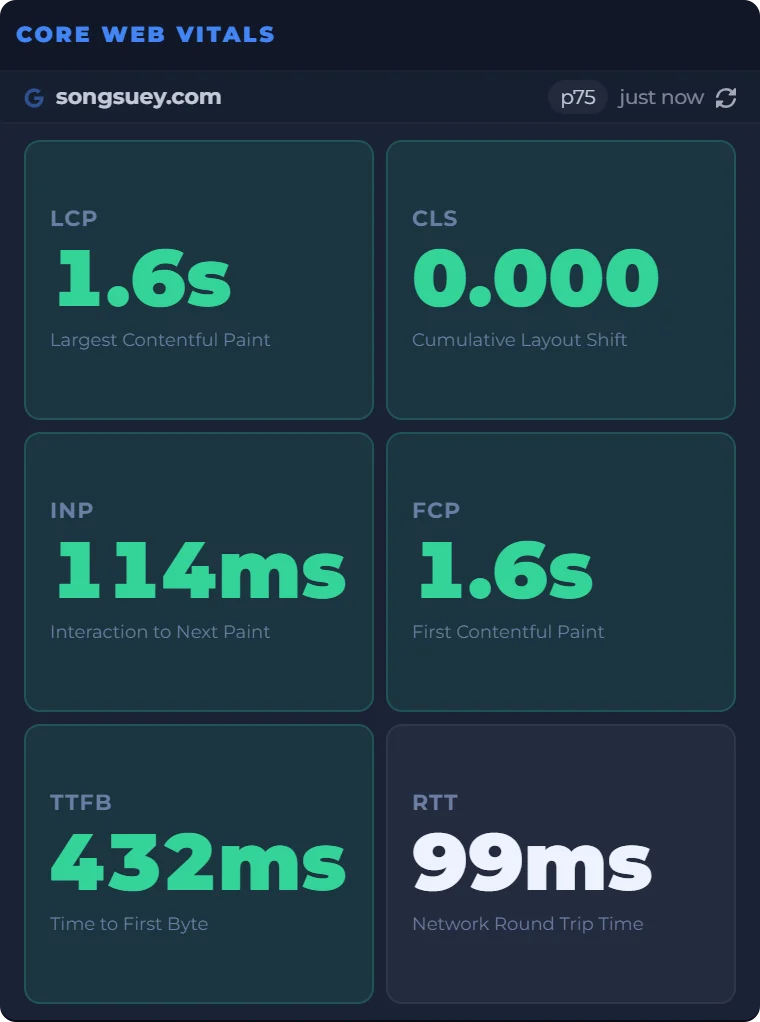
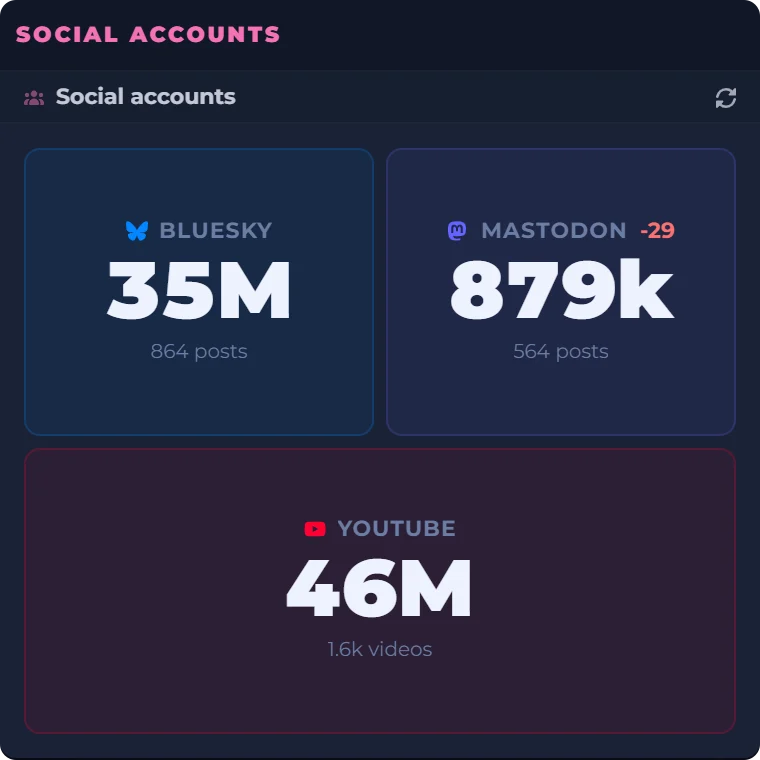
A site owner's morning, in one place: the scores, the real-user numbers and the follower counts beside a clock and a countdown to Friday evening. Every widget sits on the same board, saved to your account and the same on every computer you sign in on. Search Console sits beside them the same way.
Date
Count Down
Real captures of Lighthouse, Core Web Vitals and Social accounts, taken September 29, 2026, beside a live clock, date and countdown worked out in your browser.
What the widget shows
- Four numbers
- Clicks, impressions, click-through rate and average position, totalled for the range you pick.
- Date range
- The last 7, 28 or 90 days.
- One site each
- One property per widget. Add another Search Console widget for another site.
- Web search
- Google's web results, finalized data only. Preliminary figures are left out of the totals.
- Access
- Read-only. It can read your numbers but can't change anything in Search Console.
- Where it lives
- On your board, saved to your account. The connection goes with the board to every computer you sign in on.
Where the numbers come from
The widget reads Search Console's performance data for the property you pick, from the Google account you connect. You need at least one site in Search Console; if the account has none, the widget says so.
Average position here is the mean of each day, where Search Console weights it by impressions. On a site whose traffic swings from day to day, the two can differ a little.
What it does not do
- It shows totals only: no queries, pages, countries or devices.
- It draws no chart and makes no comparison with the previous period.
- It changes nothing in Search Console.
Questions people ask
Is there an app for Google Search Console?
Search Console is a website. DashSuey isn't an app either: it's a page you sign into, so the Search Console widget works in any browser on your computer, with nothing to install.
Do I need Google Search Console?
For this widget, yes. It reads your own Search Console account, so you need at least one site there.
What is the difference between clicks and impressions?
An impression is someone seeing a link to your site on Google. A click is someone following it. The widget shows both as totals for the range you pick.
Why do I have a lot of impressions but no clicks?
Google counts an impression whenever your link is on the page of results, whether or not anyone scrolled to it. The widget shows CTR and average position next to the two totals, so you can see all four together.
What is CTR in Google Search Console?
Click-through rate: clicks divided by impressions. The widget works it out from the totals for your range and shows it as a percentage.
Is Search Console data delayed?
Search Console's newest figures can be preliminary for a few hours. The widget asks for finalized data only, so those are left out. It fetches fresh numbers when your board loads and when you change the site or range.
What permissions does the widget need?
When you press Connect Google, DashSuey asks Google for read-only access to your Search Console data and for your email address. It can read your numbers but can't change anything.
Can I see more than one site?
Each Search Console widget shows one site. Add another widget for each site you want and pick a different property in each.