
Clock
Your site's Lighthouse scores, on your dashboard
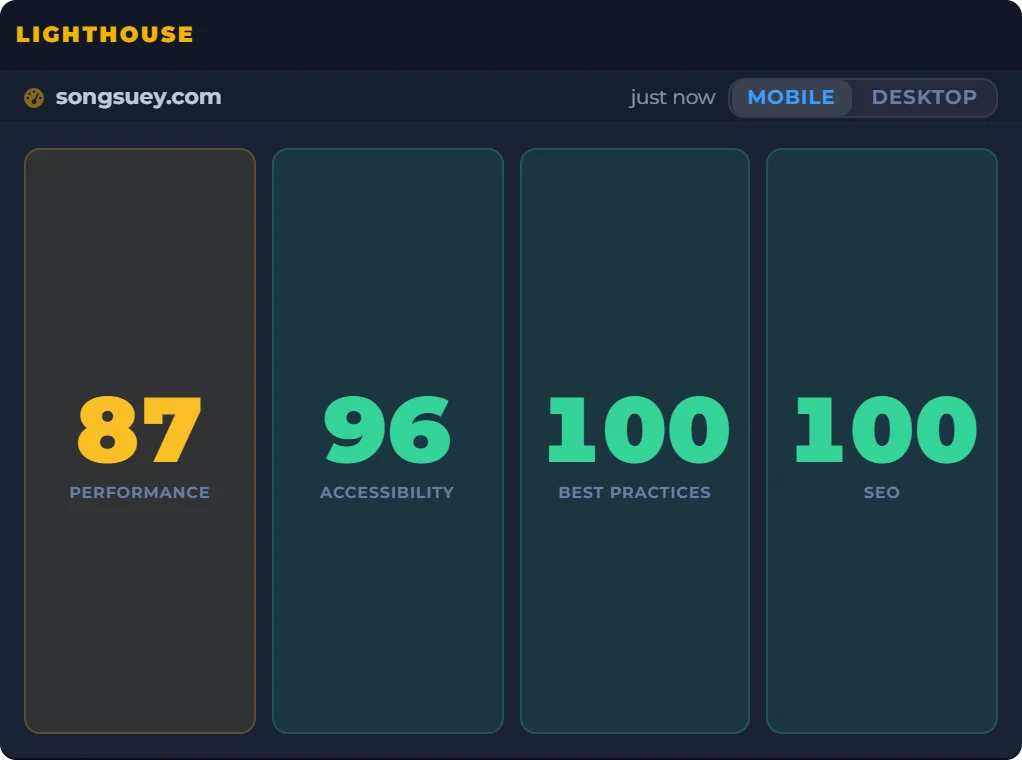
Type your site's address once. The Lighthouse widget keeps its PageSpeed Insights scores for performance, accessibility, best practices and SEO on your board, with mobile and desktop one click apart.
- Needs
- Your site's address. No Google account, no API key.
- Reads from
- Google's PageSpeed Insights, which runs Lighthouse
- Updates
- When your board opens and its reading is over a day old
On your board, next to the rest
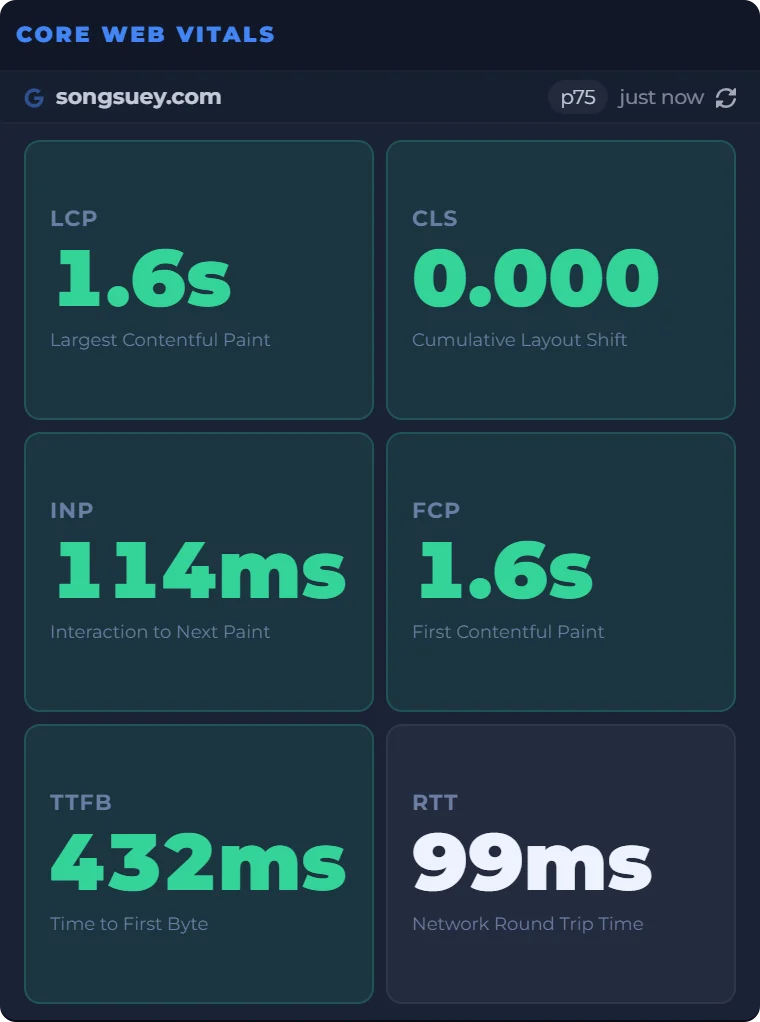
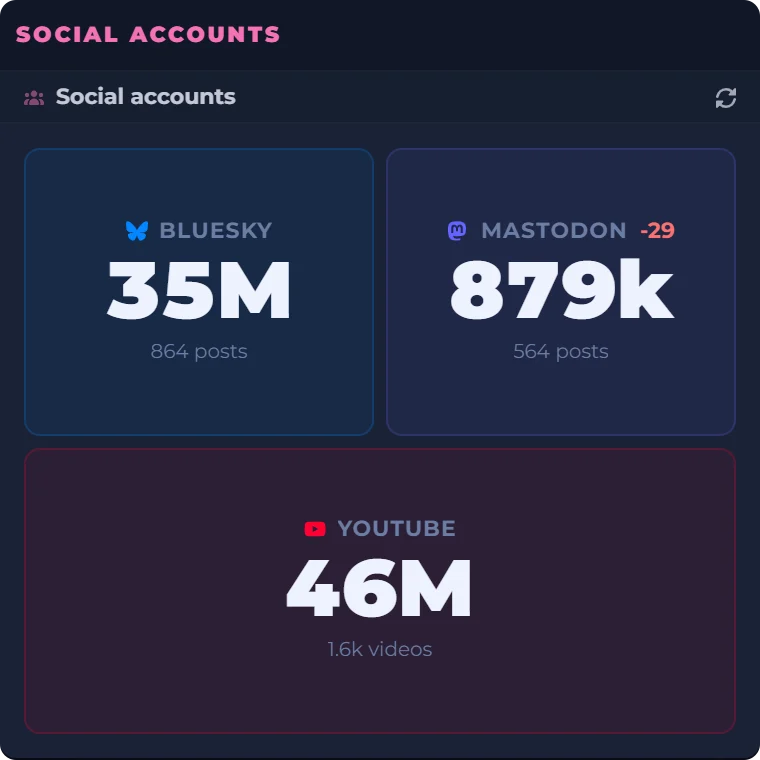
A site owner's morning, in one place: the scores, the real-user numbers and the follower counts beside a clock and a countdown to Friday evening. Every widget sits on the same board, saved to your account and the same on every computer you sign in on. The outlined one is Lighthouse.
Date
Count Down
Real captures of Lighthouse, Core Web Vitals and Social accounts, taken September 29, 2026, beside a live clock, date and countdown worked out in your browser.
What the widget shows
- Four scores
- Performance, Accessibility, Best Practices and SEO, each from 0 to 100.
- Colors
- Google's own bands: green from 90, amber from 50 to 89, red under 50.
- Mobile and desktop
- Both are read together, so the buttons in the widget's header switch between them without a second wait.
- One site each
- One address per widget. Add a second Lighthouse widget for a second site.
- Setting it up
- Type the address. Leave off the https:// and the widget adds it.
- Where it lives
- On your board, saved to your account, and the same on every computer you sign in on.
Where the scores come from
The widget asks Google's PageSpeed Insights, which runs Lighthouse on Google's servers, and shows the four category scores that come back. The full report, with every audit and what to fix, stays on PageSpeed Insights. Open it there when a number drops.
These are lab scores: one simulated visit on a mid-range phone, or on a desktop. For what real visitors experienced, the Core Web Vitals widget reads Google's real-user data, and the two sit well side by side.
What it does not do
- It keeps no history and draws no trend line.
- It sends no alerts.
- It lists no audits or fixes. PageSpeed Insights does that.
- Each person gets 10 fresh readings a day, and a new site uses two of them, one for mobile and one for desktop. Past that, the stored scores keep showing.
Questions people ask
What is a Lighthouse score?
Lighthouse is Google's tool for checking the quality of a web page. It scores a page from 0 to 100 in four categories: Performance, Accessibility, Best Practices and SEO. The widget shows those four for the address you give it.
What's a good Lighthouse score?
Google calls 90 to 100 good, 50 to 89 needs improvement, and 0 to 49 poor, and says a perfect 100 is not expected. The widget colors each score by the same bands.
How do I check my Lighthouse score?
For a one-off check, enter the address in PageSpeed Insights, or run Lighthouse from Chrome's developer tools. To keep it in view, add the Lighthouse widget to your board and type the address once. The first reading can take up to a minute.
Why is my mobile score lower than desktop?
They are two different tests. For mobile, Lighthouse simulates a mid-range phone on a mobile network; for desktop, a desktop on a wired connection. The widget reads both, and the buttons in its header switch between them.
What is the difference between PageSpeed Insights and Lighthouse?
Lighthouse is the test. PageSpeed Insights runs Lighthouse on Google's servers and adds real-user data when a page has enough visitors. This widget shows the Lighthouse scores; the Core Web Vitals widget shows the real-user numbers.
Do I need a PageSpeed Insights API key?
Not for the widget. DashSuey's server asks PageSpeed Insights with its own key, so all you type is your site's address. You don't need a Google account either.
Is the Lighthouse widget a page speed monitoring tool?
A light one. It keeps your latest scores on your board and asks for fresh ones when you open the board and the reading it holds is over a day old. It keeps no history and sends no alerts; for those, use a dedicated monitoring service.