
Clock
A GitHub trending widget for the newest repos
See the new GitHub repositories getting the most stars in the last day, week or month, in any language, on your DashSuey board on every computer you sign in on.
- Needs
- Nothing. No GitHub account or key.
- Reads from
- GitHub's public search
- Updates
- When your board opens; at most an hour old

On your board, next to the rest
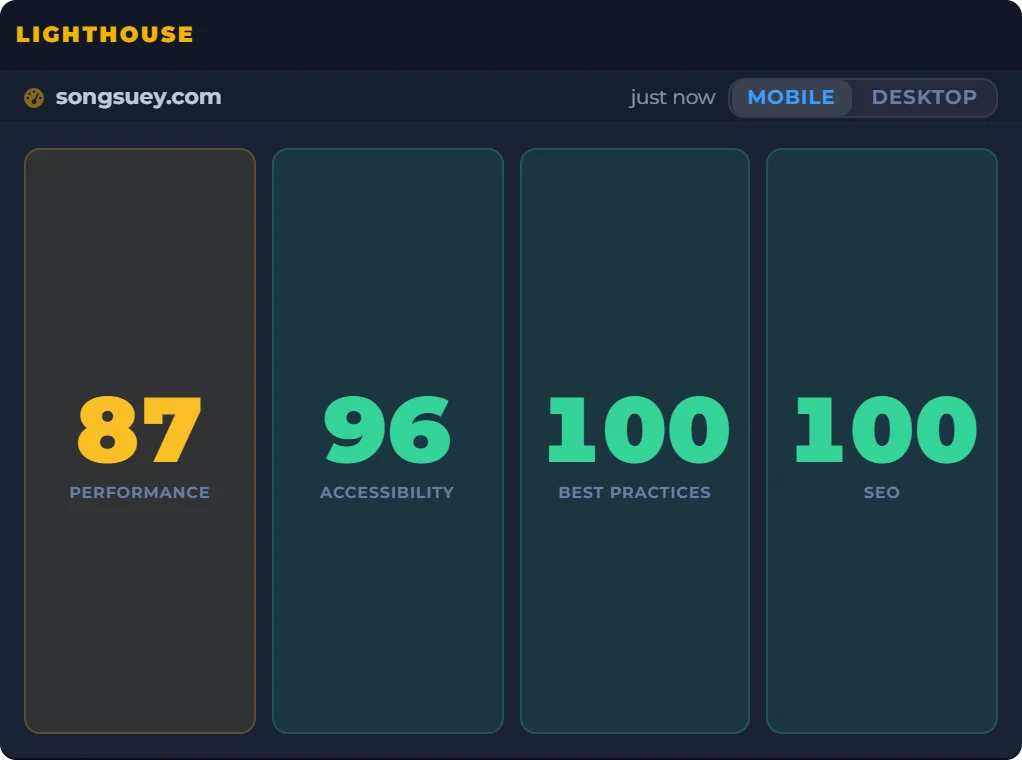
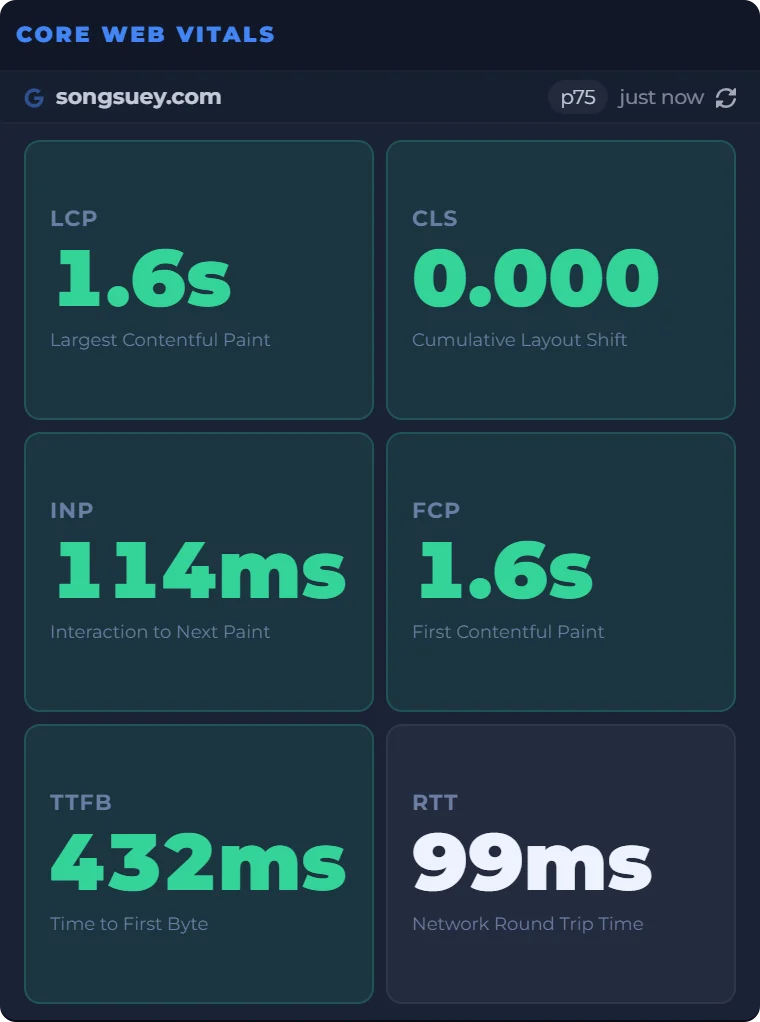
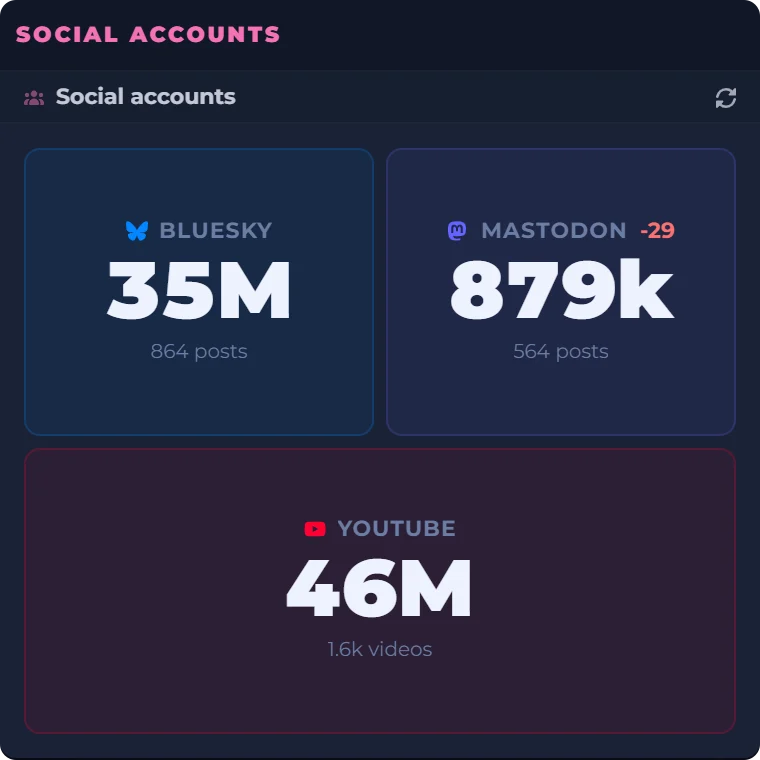
A site owner's morning, in one place: the scores, the real-user numbers and the follower counts beside a clock and a countdown to Friday evening. Every widget sits on the same board, saved to your account and the same on every computer you sign in on. GitHub Trending sits beside them the same way.
Date
Count Down
Real captures of Lighthouse, Core Web Vitals and Social accounts, taken September 29, 2026, beside a live clock, date and countdown worked out in your browser.
What you can set
- Period
- The last 24 hours, 7 days or 30 days. A new widget shows the week.
- Language
- Type one the way GitHub spells it, such as TypeScript, Rust or Jupyter Notebook. Leave it blank for every language.
- Each row
- Rank, owner and name, a one-line description, the language and the stars. The whole row opens the repository on GitHub.
- How many
- Up to 20, in a list that scrolls.
- Connect GitHub
- Optional, and only offered when GitHub's search limit runs out. It raises the limit from 10 searches a minute to 30 and reads your public profile, nothing else.
- Where it lives
- On your board, saved to your account, and the same on every computer you sign in on.
Where the list comes from
GitHub's public search, asked for repositories created in the window you pick and sorted by their stars. The count is each repository's total, which for something that new is close to what it gained.
GitHub hasn't published how its own Trending page ranks repositories, and that page includes older projects that are suddenly popular. The widget shows only new ones, so the two lists differ.
What it does not do
- It isn't GitHub's Trending page, and it leaves out older projects that are gaining stars.
- It lists repositories, not developers.
- It keeps no history of past lists.
Questions people ask
How does GitHub Trending work?
GitHub hasn't published how its Trending page ranks repositories. It shows the stars each one gained today, this week or this month, and older projects appear when they gain stars. DashSuey's widget works differently: it asks GitHub's search for repositories created in that window and ranks them by their stars.
Is this the same list as GitHub's Trending page?
No. It shows only repositories created in the window you pick, so an established project that's suddenly popular won't appear. For GitHub's own list, open github.com/trending.
How often does the list update?
The widget asks GitHub when your board opens and when you change its settings. DashSuey keeps each answer for up to an hour, so the list can be an hour old.
Can I see trending repos for one language?
Yes. Type the language in the widget's settings, spelled the way GitHub spells it, such as TypeScript or Rust. Leave it blank for every language.
How do I get my repo on GitHub Trending?
GitHub hasn't said. On DashSuey's widget, a repository appears if it was created inside the window and is among the most starred of those.
Is there a GitHub trending widget for my browser or new tab?
DashSuey runs in the browser as a web page you sign in to, so there's nothing to install. Your board, with this widget and its settings, is saved to your account and shows up on every computer you sign in on.
Does it show trending developers?
No. It lists repositories only. GitHub's Trending page has a Developers tab.
Can I see past trending lists?
No. The widget shows the current window only and keeps no history.