
Clock
Track your social media followers in one place
Add your Bluesky, Mastodon and YouTube handles, and the Social accounts widget keeps each follower count on your DashSuey board, beside everything else you check in the morning.
- Needs
- A handle for each account. No sign-in, no API key.
- Reads from
- Each platform's public profile
- Updates
- Every half hour, and YouTube once a day
On your board, next to the rest
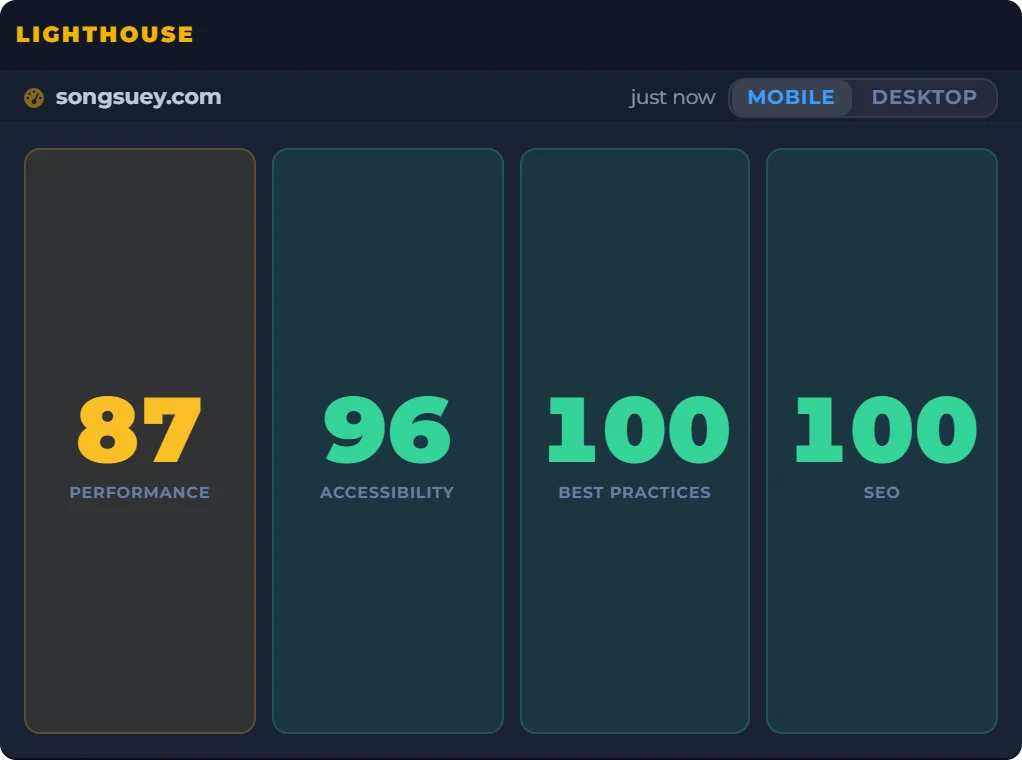
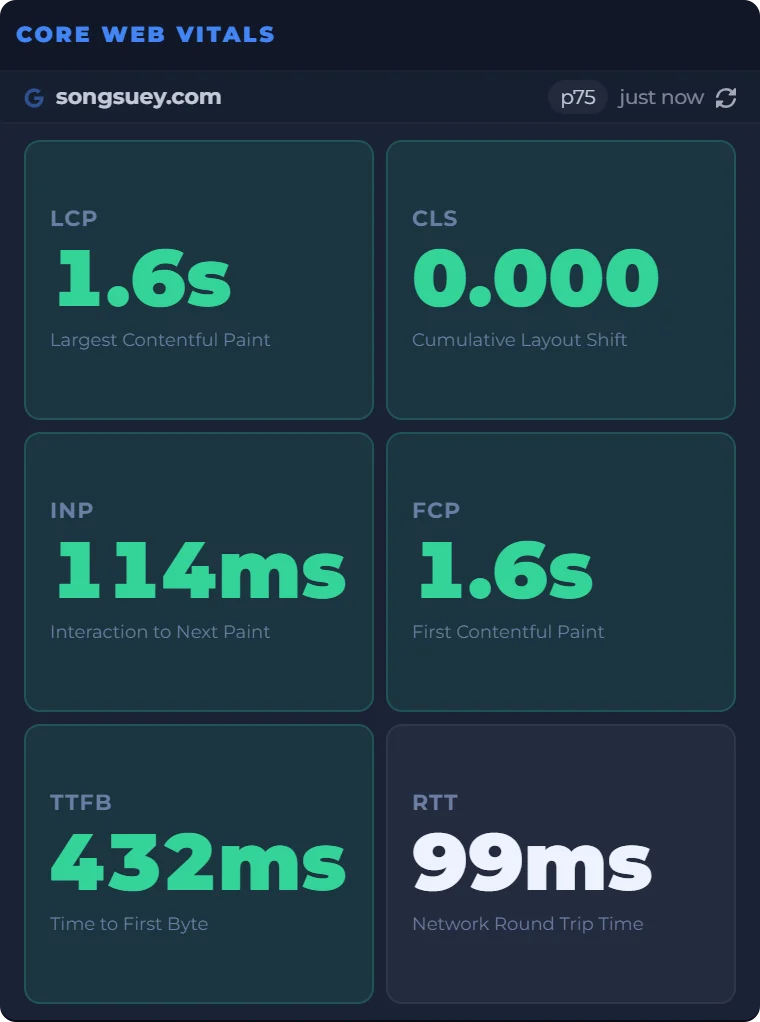
A site owner's morning, in one place: the scores, the real-user numbers and the follower counts beside a clock and a countdown to Friday evening. Every widget sits on the same board, saved to your account and the same on every computer you sign in on. The outlined one is Social accounts.
Date
Count Down
Real captures of Lighthouse, Core Web Vitals and Social accounts, taken September 29, 2026, beside a live clock, date and countdown worked out in your browser.
What the widget shows
- Platforms
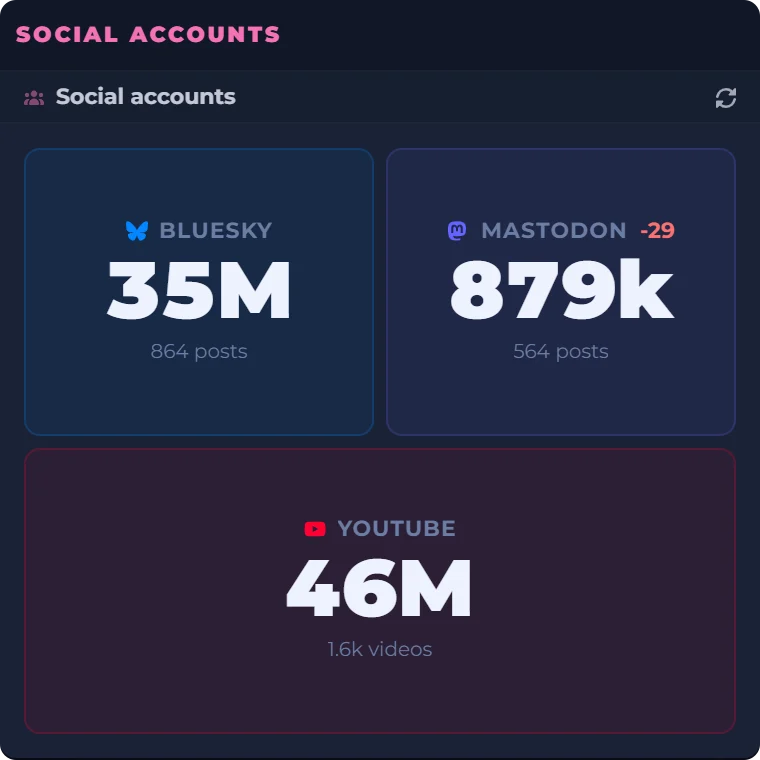
- Bluesky, Mastodon and YouTube.
- Counts
- Shortened above 999: 1.2k, 12k, 1.2M.
- A second number
- Posts for Bluesky and Mastodon, videos for YouTube, when the tile has room.
- Change
- A small green or red figure when a count moves. It is kept in the browser you are using, so it starts fresh on another computer.
- Accounts
- Up to eight in one widget, each with its own tile.
- Mastodon
- Any server. Use the full address, like @you@mastodon.social.
- Where it lives
- On your board, saved to your account, and the same on every computer you sign in on.
Where the counts come from
Each count is the public number the platform shows on your profile. That is why a handle is all it takes: there is nothing to sign in to. YouTube rounds its public counts, so the widget shows YouTube's rounded figure.
The widget reads the counts every half hour, and YouTube once a day. Nothing about it is live or real time.
What it does not do
- It keeps no history and draws no growth chart.
- It does not post, schedule or reply.
- Instagram, Facebook, Threads, TikTok and X are not open to members yet.
Questions people ask
How do I see my follower count?
Add the Social accounts widget and type your handle for each account on Bluesky, Mastodon or YouTube. Each count then sits on your board, read every half hour, and YouTube once a day.
How do I check my followers on Bluesky?
Type your Bluesky handle, like you.bsky.social. The widget reads your public profile, so there's nothing to sign in to. It shows how many followers you have and how many posts, not who the followers are.
Is 1k followers 1000?
Yes. The widget shortens counts the same way: 1,000 shows as 1.0k, 1,204 as 1.2k, 12,345 as 12k and 1,234,567 as 1.2M.
How do I check my YouTube subscriber count?
Type your channel's @handle. The widget shows the public count YouTube gives out, read once a day. YouTube rounds public counts; for your exact number, YouTube Studio has it.
Is there a website that tracks social media followers?
The Social accounts widget keeps your Bluesky, Mastodon and YouTube counts on one board in your browser, with up to eight accounts in one widget, on any computer you sign in on.
Can I track social media followers over time?
Not as a chart. The widget shows each count now, and a small plus or minus when it moves. It keeps no history.
Can I track my Instagram follower count?
Not yet. The widget reads Bluesky, Mastodon and YouTube for members today.
How can I see all my social media accounts in one place?
The Social accounts widget puts your follower counts in one place, on a board with the rest of what you check each day. It doesn't post, schedule or reply.